
The game starts in ten minutes and Xtreme HD IPTV is not working. Before you panic, know that most IPTV problems come from the home side, not the server: the router, the device, the app or a typo in the login. That’s good news, because you can fix those yourself in a few minutes. Start with the 2-minute check below, then jump to the fix that matches what you see.
Step 1: Find the Cause in 2 Minutes
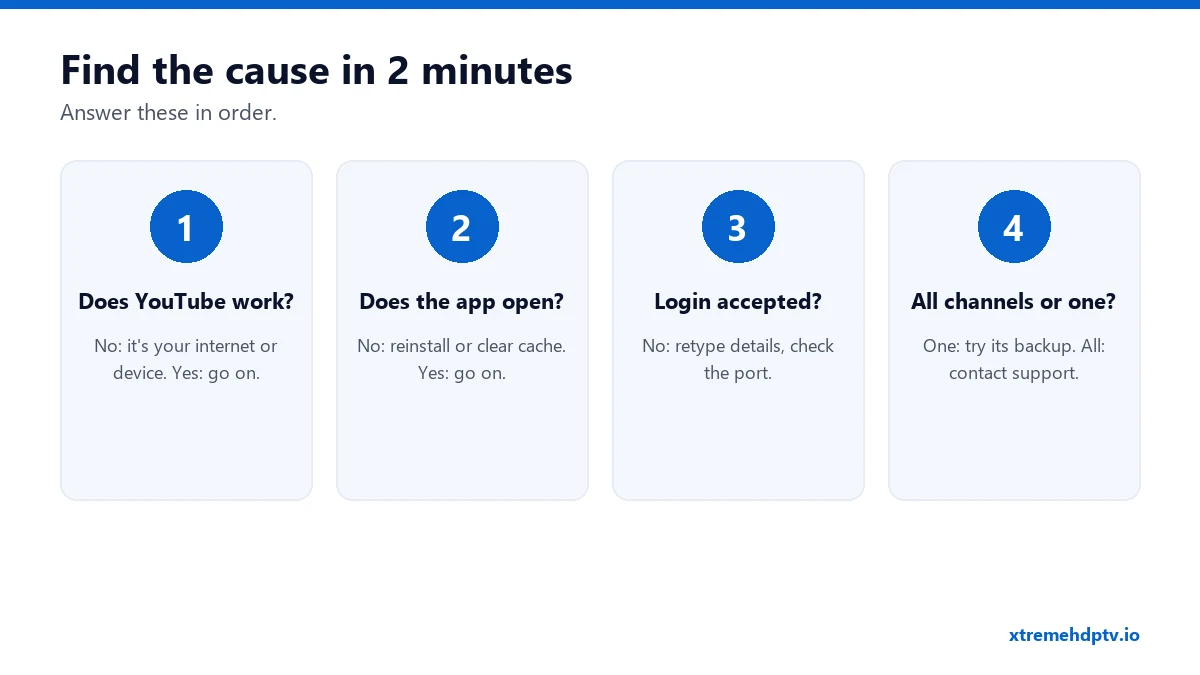
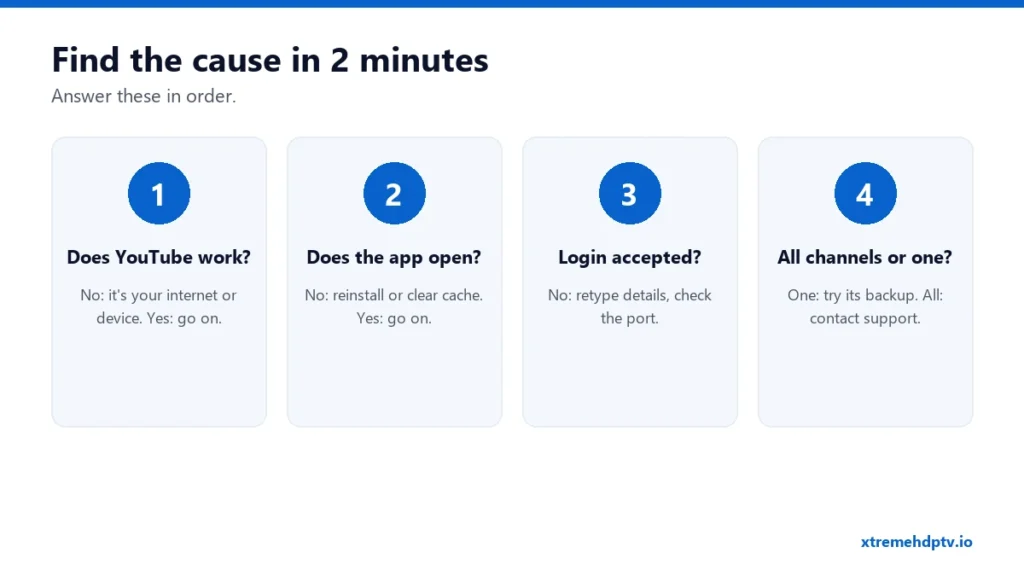
- Does YouTube or Netflix work on the same device? If not, the problem is your internet or the device. Go to Fix 1.
- Does the player app open? If it crashes or freezes, go to Fix 4.
- Is your login accepted? If you see “invalid” or “unable to connect”, go to Fix 2.
- Is it every channel or just one? One channel: Fix 7. Everything: Fix 9.
The 10 Fixes
Fix 1: Restart the router and the device
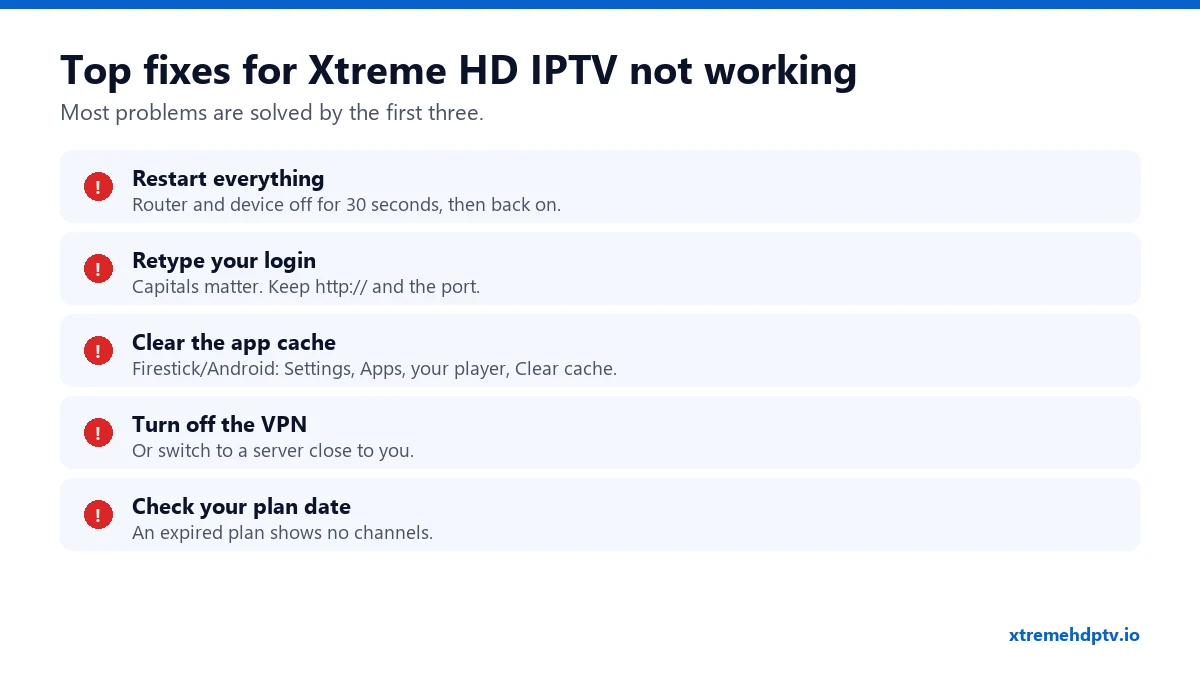
Unplug both for 30 seconds, then plug the router in first and wait until its lights settle. Then turn on the TV or stick. This alone fixes a surprising number of “not working” problems.
Fix 2: Retype your login
Delete the username, password and server URL in the app and type them again by hand. Capitals matter. The server URL needs http:// at the start and the port number at the end. Our login guide explains each error message.
Fix 3: Check that your plan is active
An expired plan often looks like “no channels” or “account expired”. Check the date in your order email, or ask support. Renewing usually reactivates the same login within minutes.
Fix 4: Clear the app’s cache
On Firestick and Android: Settings › Applications › Manage Installed Applications › your player › Clear cache. Then open the app again. If it still misbehaves, choose Clear data (you’ll need to log in again). More in app keeps crashing.
Fix 5: Turn off your VPN (or change server)
A VPN server far away can block or slow the stream. Turn the VPN off to test. If that fixes it, reconnect to a server in your own country. See the VPN guide.
Fix 6: Stop other screens
“Max connections reached” means your plan’s screen limit is in use. Someone else in the house may be watching, or a stream is still open on another device. Close it and try again.
Fix 7: One channel is down
Switch to another channel and back. Look for a second version of the same channel (HD, FHD or a backup). If it’s still down after 15 minutes, send the channel name to support so they can check it.
Fix 8: Update the app, or try another one
Old app versions sometimes break after updates on the device. Update your player. If it still won’t work, install a second player (TiviMate or IPTV Smarters) and test with the same login. If the second app works, the first one is the problem.
Fix 9: Check whether the service is down
If everything is set up correctly and nothing plays on any device, there may be a temporary server issue. Our guide is Xtreme HD IPTV down today? shows how to check in 60 seconds.
Fix 10: Contact support with the right details
Message support on WhatsApp at +1 (771) 218-2316. Send your device, the app you use, the channel and a screenshot of the error. With those, they can usually fix it in one reply.
Not Working on a Specific Device?
- Firestick: check free storage (Settings › My Fire TV › About › Storage). Less than 500 MB free causes crashes. See the Firestick guide.
- Samsung TV: do a cold boot by holding the power button until the logo appears. See the Samsung guide.
- LG TV: turn off Quick Start+ and restart. See the LG guide.
- MAC-based apps: check that the MAC address linked to your line matches the one on screen.
It Works, But It Buffers
That’s a different problem with different fixes: Wi-Fi strength, speed and busy hours. Go through our 9 buffering fixes.
FAQ
Why did Xtreme HD IPTV stop working suddenly?
The most common reasons are an expired plan, a router or device that needs a restart, an app update, or a VPN that switched servers.
It works on my phone but not on my TV. Why?
Your account is fine. The problem is the TV: its connection, app or saved login. Restart it and retype the details.
How fast does support reply?
Support is available 7 days a week on WhatsApp, which is the fastest way to reach them.
Need help with your IPTV?
Our team is available 24/7 to help you install and use your subscription on any device.
CONTACT US ON WHATSAPP