
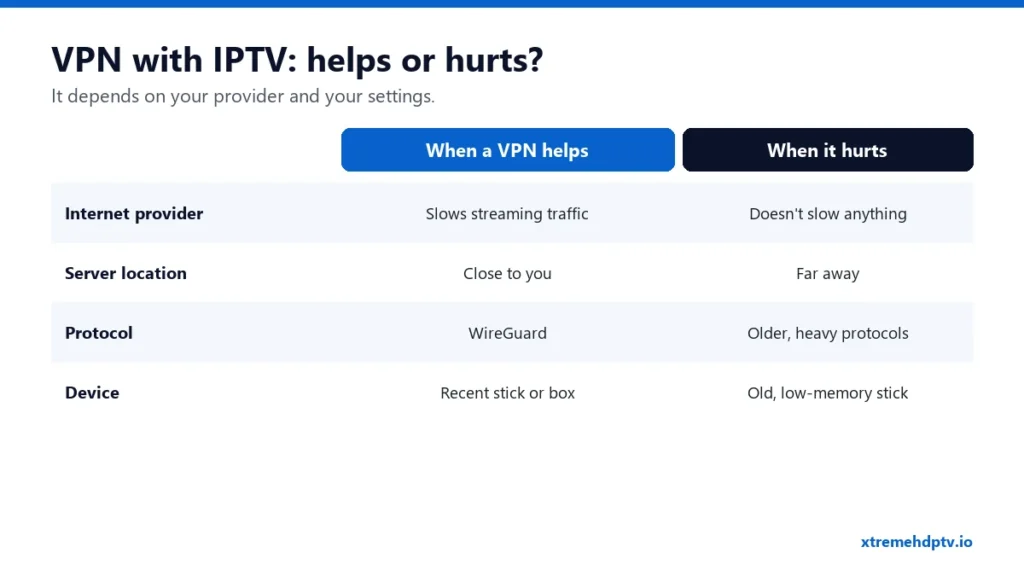
Some people swear a VPN fixed their buffering. Others say turning the VPN off fixed it. Both can be true. A VPN changes the route your stream takes from the server to your TV, and that can make Xtreme HD IPTV smoother or slower depending on your setup. This guide explains when a VPN is worth using and which settings make the difference.
What a VPN Does for Streaming
A VPN encrypts your internet traffic and sends it through a server run by the VPN company. Two things follow from that:
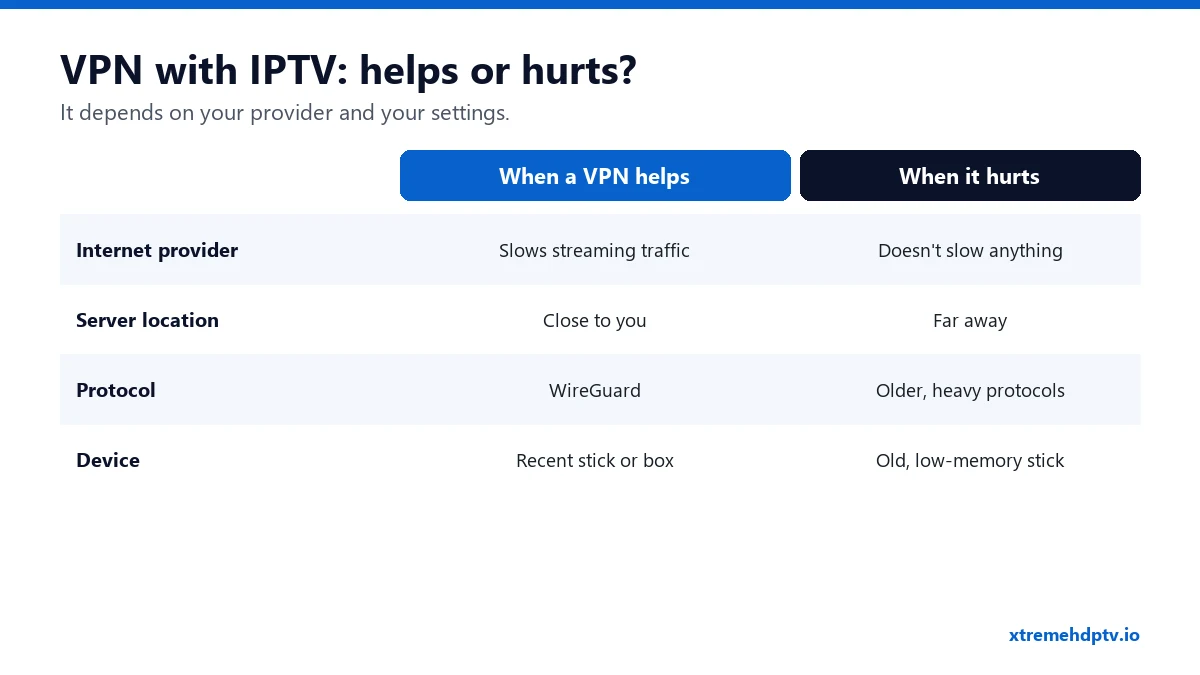
- Your internet provider sees encrypted traffic instead of a video stream. That matters if your provider slows down streaming traffic at busy times.
- Your stream takes a longer path. If the VPN server is far away or overloaded, you get more delay and buffering.
A VPN also adds privacy on public Wi-Fi in hotels and airports, which is a good reason to use one when you travel.
Should You Use a VPN With Xtreme HD IPTV?
Run a simple test. It answers the question for your home better than any article can:
- Watch a busy live channel for 15 minutes in the evening without the VPN.
- Watch the same channel for 15 minutes with the VPN connected to a nearby server.
- Keep whichever was smoother.
If both are smooth, the VPN is optional. If the VPN version is clearly better, your provider is probably slowing streaming traffic, so keep it on. If the VPN version is worse, change the settings below or leave it off.
VPN Settings That Stop Buffering
Pick a server close to you
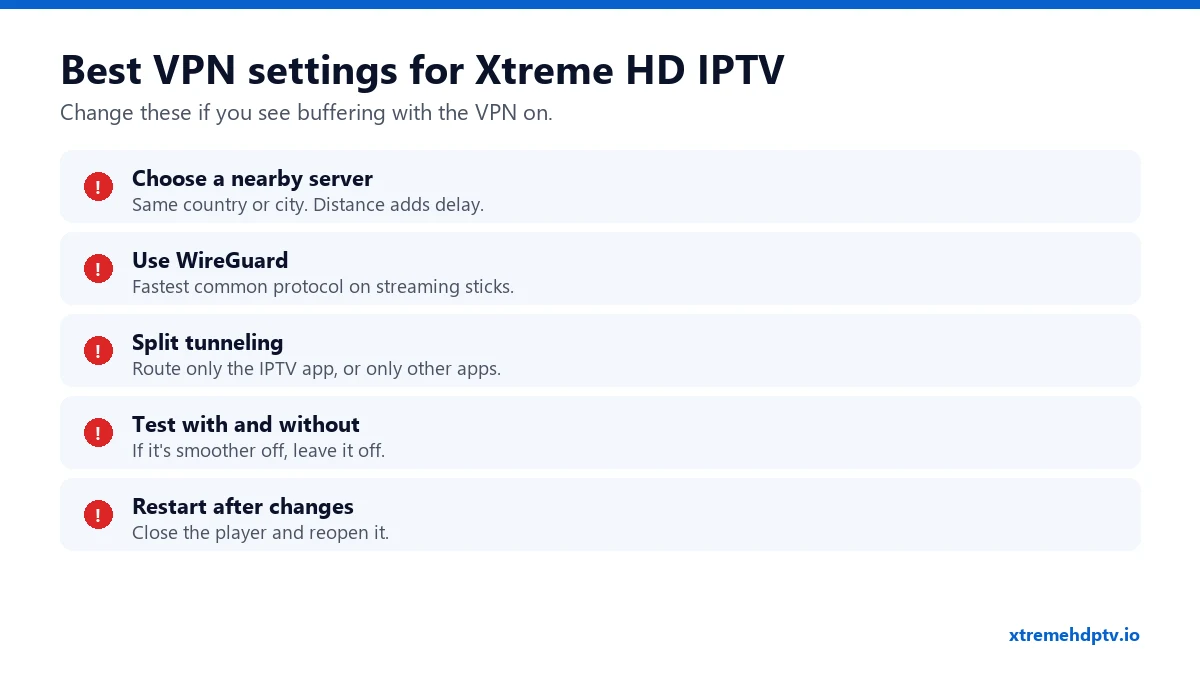
Distance is the biggest factor. Choose a server in your own country, and ideally in or near your city. Avoid “fastest server” options that sometimes pick a busy server far away.
Use the WireGuard protocol
Most VPN apps let you choose a protocol in settings. WireGuard (some brands give it their own name) is usually the fastest on Firesticks and Android TV boxes, which don’t have much processing power.
Use split tunneling
Split tunneling lets you choose which apps go through the VPN. You can send only your IPTV player through it and leave the rest of the device on your normal connection, or the other way round. It’s in the settings of most Android and Fire TV VPN apps.
Restart the player after changes
Close your IPTV app completely after you connect or change server, then open it again so it uses the new route.
Installing a VPN on Your Device
- Firestick and Android TV: most major VPN providers have an app in the Amazon Appstore or Google Play Store. Search, install, sign in, connect.
- Smart TVs: Samsung and LG TVs usually can’t run VPN apps. You’d need a VPN on the router, which is more advanced.
- Apple TV: recent tvOS versions support VPN apps from some providers.
- Phones and computers: install the VPN app as normal.
Avoid free VPNs for streaming. They tend to be slow, have data caps, and some sell your data.
Troubleshooting With a VPN On
Nothing loads with the VPN on
Switch to another server in your country. Some VPN servers block certain ports. If nothing works, turn the VPN off and confirm the service plays without it.
The picture is fine, then freezes every few minutes
The VPN server is overloaded. Change server, switch to WireGuard, and restart the player.
Still buffering?
The VPN may not be the cause at all. Go through the 9 buffering fixes and check your internet speed.
FAQ
Do I need a VPN to use Xtreme HD IPTV?
No. The service works without one. A VPN is optional and helps mainly if your provider slows streaming traffic or you’re on public Wi-Fi.
Does a VPN slow down my internet?
A little, always. With a nearby server and a modern protocol the difference is usually small.
Which VPN is best for IPTV?
Pick a well-known paid provider with apps for your device, servers in your country and WireGuard support. Test it during a busy evening before committing to a long plan.
Need help with your IPTV?
Our team is available 24/7 to help you install and use your subscription on any device.
CONTACT US ON WHATSAPP