
Whether you need help choosing a plan, installing the app on a new TV or fixing a channel that won’t play, Xtreme HD IPTV customer service is there every day of the week. This page lists every way to reach the team, what to include in your message to get a fix in one reply, and quick answers to the questions support hears most.
How to Contact Xtreme HD IPTV Support
WhatsApp (fastest)
+1 (771) 218-2316. Use it for orders, renewals, upgrades, installation help and playback problems. You can send screenshots and photos of your TV screen, which makes setup help much quicker.
hello@xtremehdptv.io. Good for account questions, order details and anything that isn’t urgent.
Contact form
On the contact page, choose a subject (new subscription, technical support, renewal or upgrade, refund request, other) and write your message. Add your WhatsApp number if you want a faster answer.
What Support Can Help You With
- Choosing a plan: how many devices you need and which period makes sense.
- Installation on any device: Firestick, Android, Samsung and LG TVs, iPhone, Apple TV, Windows, Mac, MAG boxes and Enigma2 receivers. They’ll walk you through it step by step.
- Linking a MAC address for Smart TV apps and MAG boxes.
- Playback problems: a channel down, buffering, the TV guide missing.
- Renewals and upgrades: extending your plan or adding devices.
What to Send for a Fast Fix
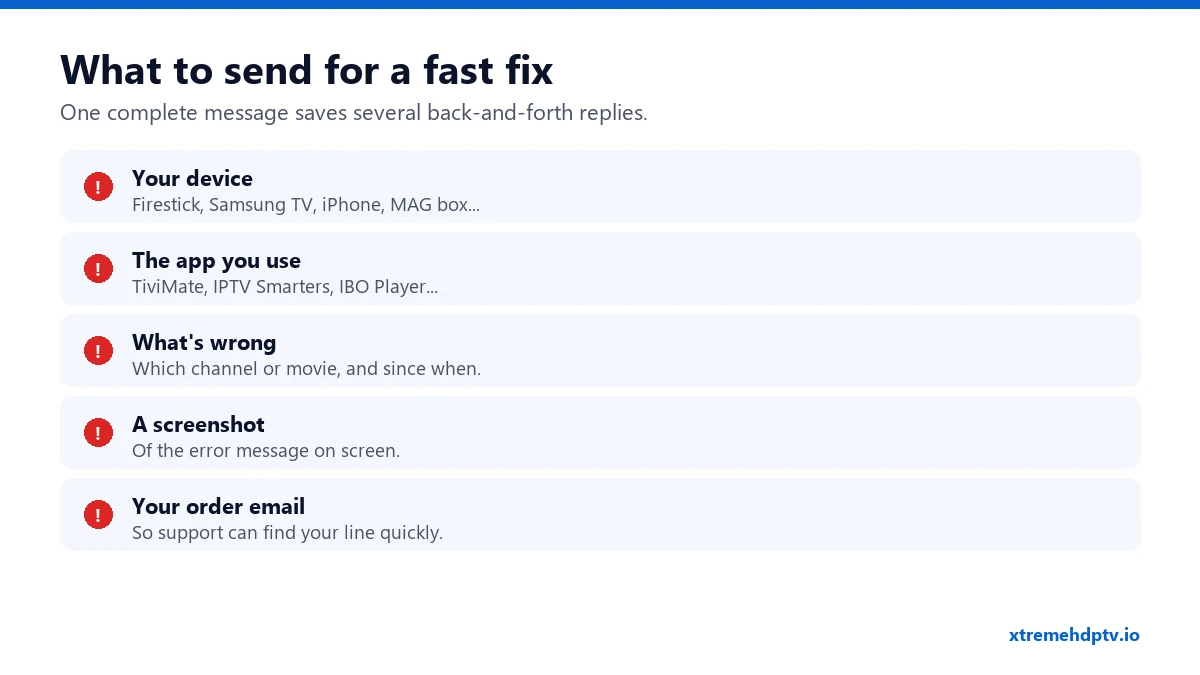
“It’s not working” leads to five questions back. This leads to a fix:
“Hi, I’m on a Firestick 4K with TiviMate. Since this evening, the sports channels in the USA group won’t play. The rest work. Screenshot attached. My order email is name@example.com.”
Include:
- your device,
- the app you use,
- what’s wrong: which channel or movie, and since when,
- a screenshot or photo of the error,
- the email you used to order.
Try These First (They Fix Most Problems)
Before you message, these take two minutes and solve a lot:
- Restart your router and device (30 seconds unplugged).
- Retype your login by hand (see the login guide).
- Clear the player app’s cache.
- Turn off your VPN for a test.
The full list is in Xtreme HD IPTV not working: 10 fixes. For buffering, see how to fix buffering.
Common Questions to Support
I paid but didn’t get my login
Check spam and promotions folders first. Delivery is instant after payment is confirmed. If it isn’t there, send your order email or payment confirmation on WhatsApp.
Can you install it for me?
Support can’t touch your TV, but they’ll guide you step by step on WhatsApp. For Enigma2 receivers, they send you the setup command for your line.
Can I get a refund?
Once a line has been delivered, it can’t be reissued, so paid subscriptions aren’t refundable. If something doesn’t work, support will help you fix it. Read the full refund policy.
How do I renew or add devices?
Message support on WhatsApp or use the renewal option on the site. They’ll extend your current line or move you to a plan with more devices.
One channel isn’t working. Will you fix it?
Send the exact channel name and group. Support will check it.
Support Hours
The team is available 7 days a week. WhatsApp is the quickest. Email answers can take a little longer.
Contact Details at a Glance
- WhatsApp: +1 (771) 218-2316
- Email: hello@xtremehdptv.io
- Contact form: xtremehdptv.io/contact-us
- Setup guides: xtremehdptv.io/installation
Need help with your IPTV?
Our team is available 24/7 to help you install and use your subscription on any device.
CONTACT US ON WHATSAPP