
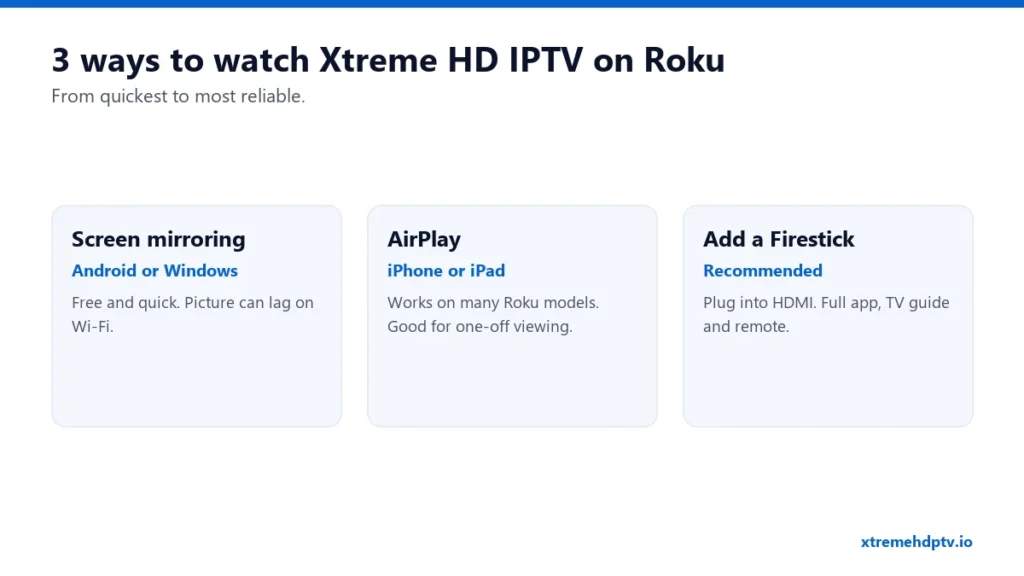
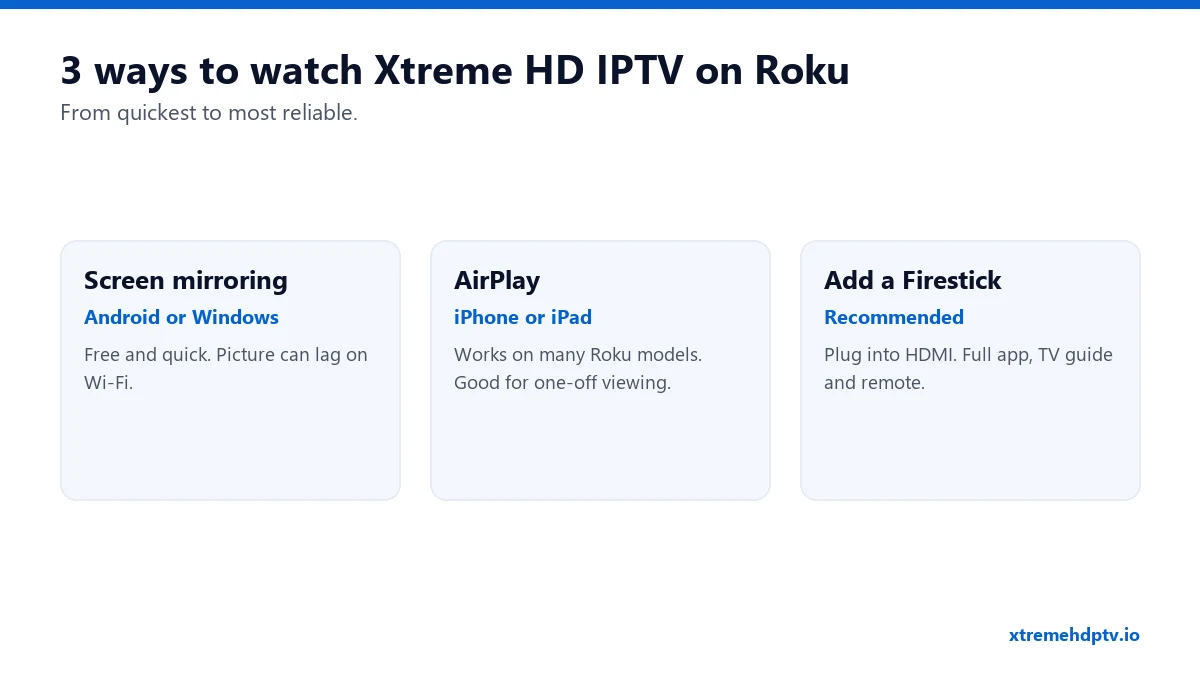
Short answer: Xtreme HD IPTV doesn’t run directly on Roku the way it does on a Firestick. Roku only allows apps from its own channel store, and the IPTV players that work with Xtream Codes aren’t available there. You can’t sideload them either. But that doesn’t mean you’re stuck. There are three ways to get it on a Roku TV, and one of them works perfectly for daily use.
Why Roku Is Different
On Firestick and Android TV you can install any IPTV player, like TiviMate or IPTV Smarters. Roku is a closed system. Developer mode exists, but it’s meant for people building their own Roku apps, not for installing outside players. So instead of fighting the system, use one of the options below.
Option 1: Screen Mirroring From Android or Windows
Most Roku devices support screen mirroring from Android phones and Windows PCs.
- On the Roku, go to Settings › System › Screen mirroring and set it to Prompt or Always allow.
- Set up Xtreme HD IPTV on your Android phone or Windows PC first (see the Windows guide).
- On Android, open Smart View, Cast or Screen mirroring in quick settings (the name varies by brand). On Windows, press Windows + K.
- Pick your Roku and start a channel.
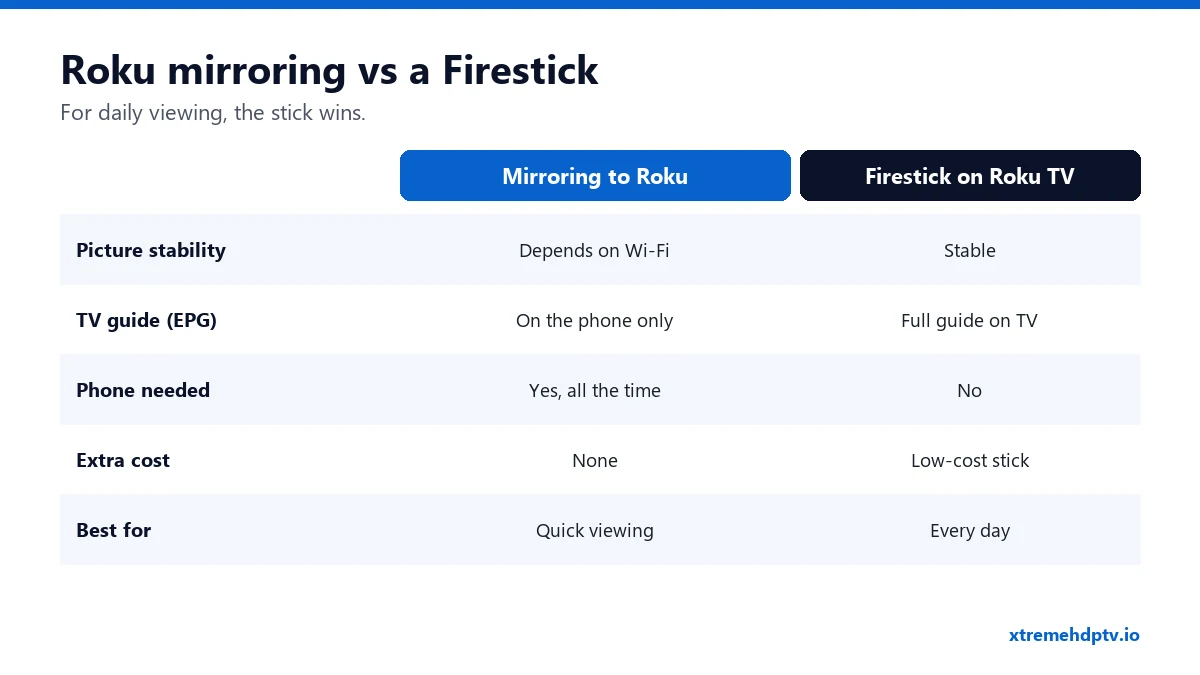
Good for: a quick watch with no extra cost. Downside: the phone has to stay on, and the picture depends on your Wi-Fi. Fast sports can stutter.
Option 2: AirPlay From iPhone or iPad
Many recent Roku TVs and streaming players support AirPlay.
- Set up Xtreme HD IPTV on your iPhone (see the iPhone guide).
- Make sure the iPhone and Roku are on the same Wi-Fi.
- Play a channel and tap the AirPlay icon, or use Screen Mirroring in Control Center.
- Select your Roku.
Check Settings › Apple AirPlay and HomeKit on your Roku. If you see that menu, your model supports it.
Option 3: Plug a Firestick Into Your Roku TV (Recommended)
A Roku TV is still a normal TV with HDMI ports. Plug in an Amazon Firestick or another Android TV stick, switch the input, and you get the full experience: a proper player app, the complete TV guide, catch-up and your own remote. No phone involved.
This is what we recommend to anyone who watches more than a few hours a week. Setup takes about ten minutes with our Firestick installation guide.
Tips if You Mirror to Roku
- Put the phone and Roku on the 5 GHz Wi-Fi network.
- Keep the phone plugged into a charger. Mirroring drains the battery fast.
- Close other apps on the phone so it doesn’t slow down.
- Turn on Do Not Disturb, or your notifications will pop up on the TV.
FAQ
Is there an Xtreme HD IPTV channel on the Roku store?
No. Be careful with Roku channels that claim to play any IPTV login. Use one of the three methods above instead.
Does mirroring use one of my plan’s screens?
Yes. The stream plays on your phone and is copied to the TV, so it counts as one screen.
Which Firestick should I buy for a Roku TV?
Any current Fire TV Stick works. Pick a 4K model if your TV is 4K and your internet is 20 Mbps or faster.
Need help with your IPTV?
Our team is available 24/7 to help you install and use your subscription on any device.
CONTACT US ON WHATSAPP