

After you order Xtreme HD IPTV, your welcome message contains two ways to connect: an M3U link and a set of Xtream Codes details. Both unlock exactly the same 20,000+ live channels and 40,000+ movies and series. What changes is how your player organises them, and that makes a real difference to your daily viewing. Here is a clear explanation of each method and our advice on which one to choose.
M3U Link Explained
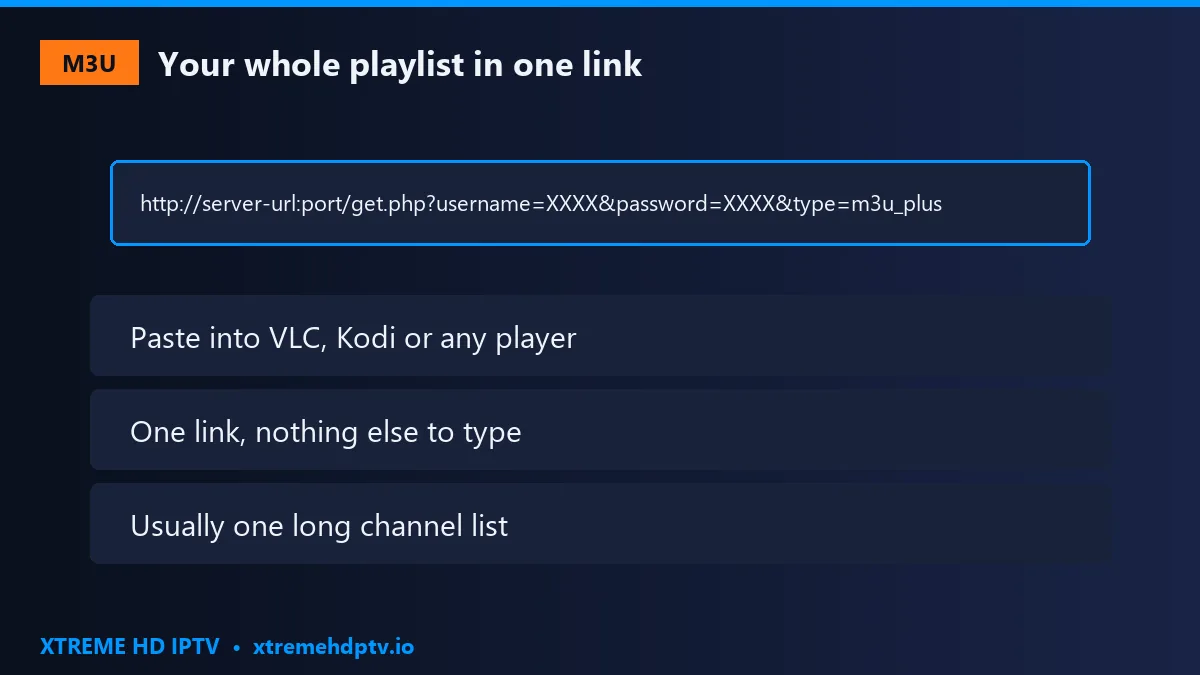
An M3U link is one long web address that points to your complete playlist. The playlist lists every channel with its name, logo and stream address. Paste the link into a player and it downloads the whole list in one go.
A typical M3U link looks like this:
http://server-url:port/get.php?username=XXXX&password=XXXX&type=m3u_plus
M3U is the oldest and most widely supported playlist format. It works in almost every player, including VLC and Kodi on a computer.
Xtream Codes Explained
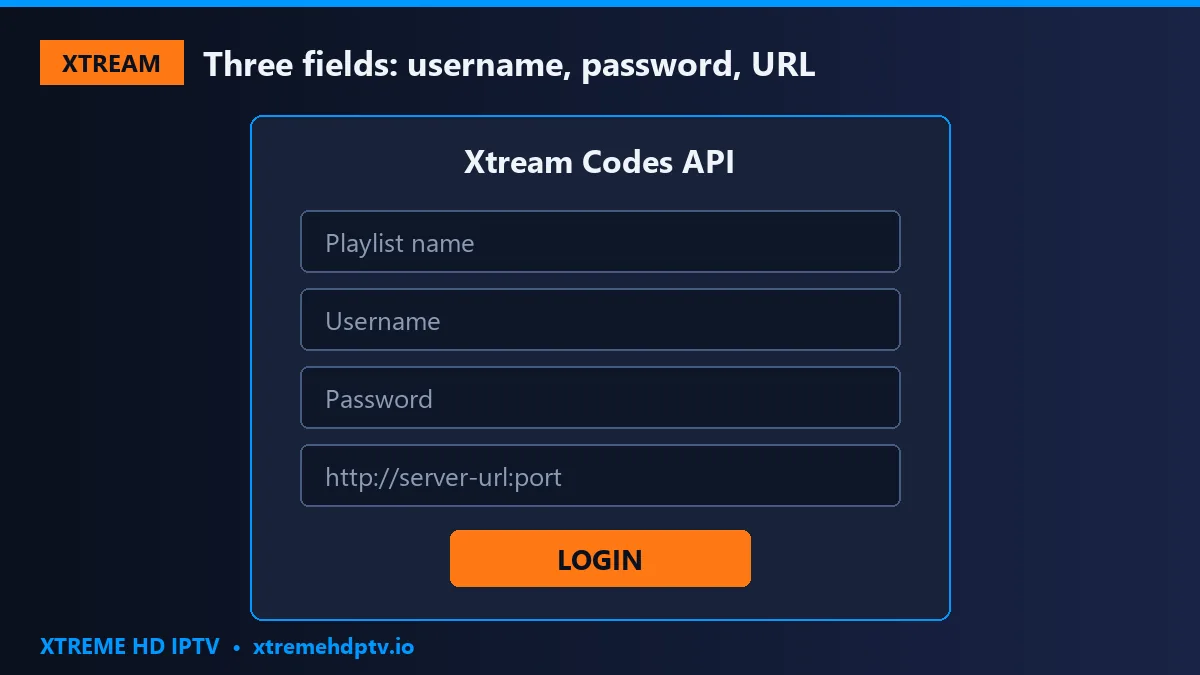
Xtream Codes (often shown as Xtream Codes API in apps) splits your access into three short fields:
- Username
- Password
- Server URL, such as
http://server-url:port
Instead of downloading one big list, the player talks directly to the Xtreme HD IPTV server. It receives live TV, movies and series in separate menus, loads the TV guide automatically and picks up changes to the channel list without you doing anything.
Side-by-Side Comparison
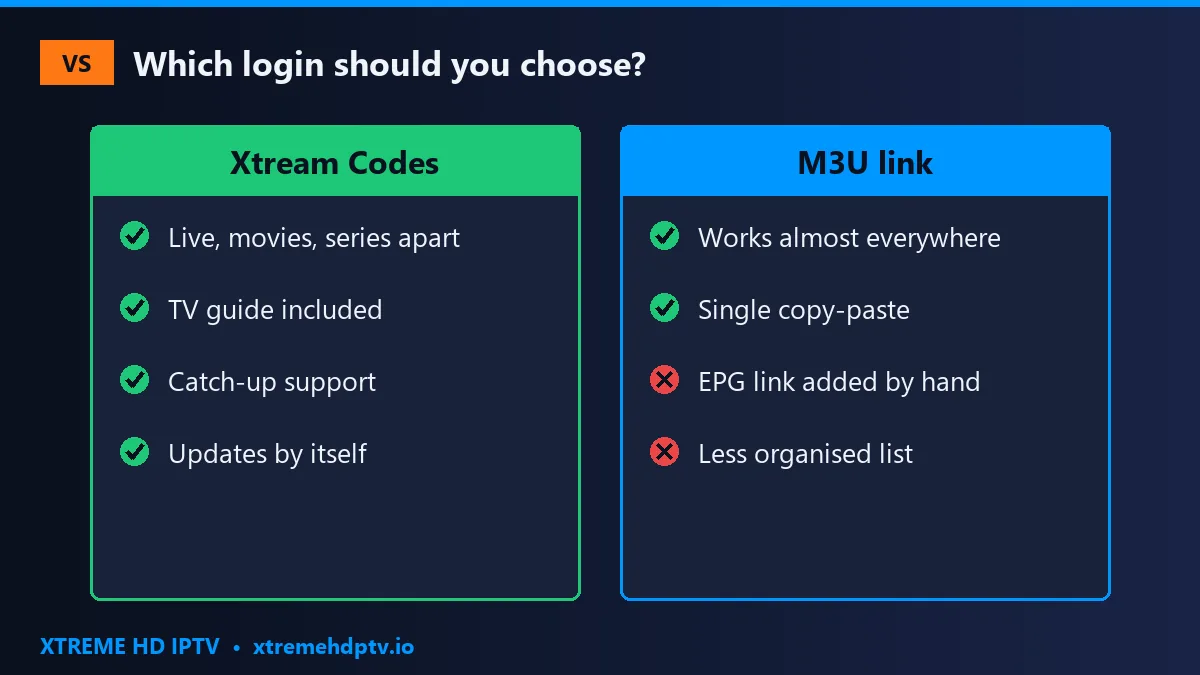
| Feature | Xtream Codes | M3U link |
|---|---|---|
| Separate menus for live TV, movies and series | Yes | Usually not |
| TV guide (EPG) loads by itself | Yes | Often needs a separate EPG link |
| Catch-up on supported channels | Yes | Limited |
| Works in VLC | No | Yes |
| Easy to enter with a TV remote | Three short fields | One very long link |
| Channel list updates | Automatic | Reload the playlist |
Our Recommendation
For almost every Xtreme HD IPTV customer, Xtream Codes is the better choice. You get tidy menus, a working TV guide, catch-up and faster loading. Use the M3U link only when:
- Your player has no Xtream Codes option.
- You are watching on a computer with VLC.
- Your app only accepts a playlist address.
Which Players Support Which Method?
- Xtreme HD IPTV app (Android): sign in with your Xtreme HD IPTV details.
- IPTV Smarters Pro: Xtream Codes (recommended) or M3U.
- TiviMate: both; Xtream Codes gives the richer TV guide.
- IBO Player, Set IPTV, Smart IPTV: activated with your TV’s MAC address and we load the playlist for you. See the best apps for Smart TV.
- VLC: M3U only.
- Kodi: M3U through the PVR IPTV Simple Client add-on.
How to Sign In with Xtream Codes
- Open your player, for example IPTV Smarters Pro.
- Select Login with Xtream Codes API.
- Enter a name such as “Xtreme HD IPTV”.
- Type the username, password and server URL exactly as they appear in your welcome message.
- Press Add User and wait while your content loads.
Using a Firestick? Our guide on how to install Xtreme HD IPTV on Firestick covers every step with pictures.
How to Add the M3U Link
- In your player, choose Add playlist or Load playlist from URL.
- Paste the complete M3U link.
- Give the playlist a name and save it.
- If the TV guide stays empty, add the EPG link from your welcome message in the settings.
M3U or M3U Plus?
You may notice links ending in type=m3u or type=m3u_plus. Both contain the same channels, but M3U Plus adds logos, category names and guide IDs. Whenever your player accepts it, choose M3U Plus for a cleaner list.
Turning Your M3U Link into Xtream Codes
Your M3U link already hides your Xtream Codes details. Everything before /get.php is the server URL, the value after username= is your username, and the value after password= is your password. Enter those three values in the Xtream Codes login and you instantly get separate menus and the full guide.
Watching on a Computer with VLC
On Windows or Mac, open VLC, choose Media › Open Network Stream (on Mac: File › Open Network), paste your M3U link and press Play. Open the playlist view to browse channels. VLC has no TV guide, so for a richer experience on a computer, use a desktop IPTV player with your Xtream Codes details.
Common Login Problems
“Invalid username or password”: the details are case-sensitive. Watch for capital letters and extra spaces copied from a message.
The server won’t connect: include http:// and the port number exactly as given.
No TV guide: refresh the EPG in your player’s settings. Read how to use EPG and Catch-Up TV.
Keep Your Login Private
Never post your M3U link or Xtream Codes details in public groups. Every device that uses them takes a connection from your plan. If you think someone else is using your account, contact Xtreme HD IPTV support and we will reset your details.
Using Your Login on Several Devices
You can enter the same Xtreme HD IPTV details on your Firestick, Smart TV and phone. The method can even differ per device: Xtream Codes on the Firestick, MAC activation on the Samsung TV and the M3U link in VLC on your laptop. What matters is how many devices watch at the same time. If your plan includes one device and two screens play together, one of them will stop. Choose a plan that matches the number of people who watch at once, from 1 to 5 devices.
Frequently Asked Questions
Do M3U and Xtream Codes give different channels?
No. With Xtreme HD IPTV, both give you exactly the same channels, movies and series.
Can I use both methods at once?
Yes, but each device you watch on uses one connection from your plan. Plans range from 1 to 5 devices on our pricing page.
Which method is faster?
Xtream Codes, because the player loads each section separately instead of one huge list.
Looking for more help? Browse all our Xtreme HD IPTV setup guides and our IPTV tips and news.
Conclusion
Both login methods work perfectly with Xtreme HD IPTV, but Xtream Codes gives you the best experience: organised menus, an automatic TV guide and quicker loading. Keep the M3U link for VLC or players that don’t support Xtream Codes. Still unsure? Our 24/7 team will tell you which one fits your device. Just reach out on our contact page.
Need help with your IPTV?
Our team is available 24/7 to help you install and use your subscription on any device.
CONTACT US ON WHATSAPP