
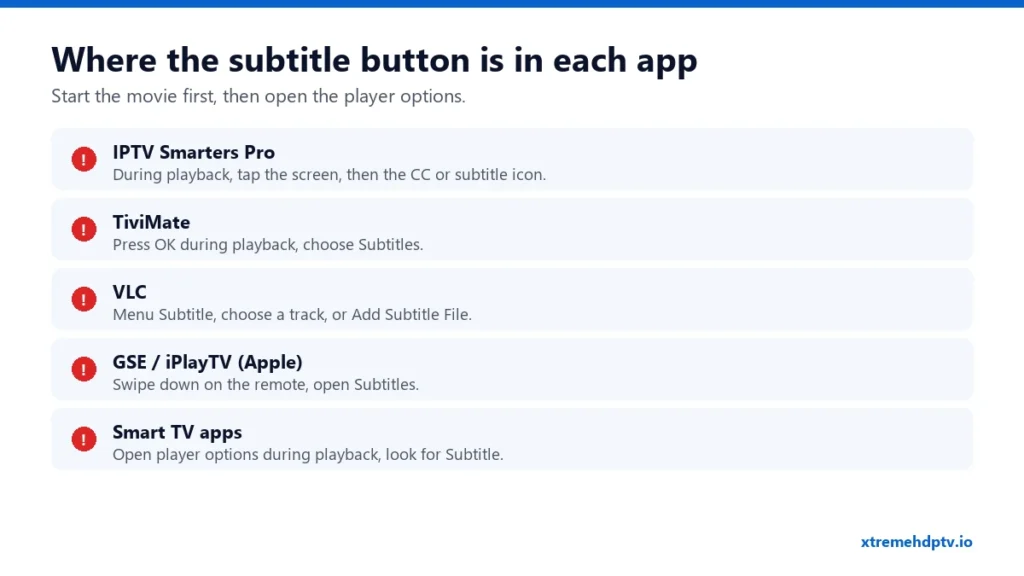
Watching a foreign film, keeping the volume down while the kids sleep, or just catching every word of a fast drama? Subtitles help. On Xtreme HD IPTV, whether you see them depends on two things: the content and the player app. Here’s where to find the subtitle option in each popular app, and why some channels don’t have them at all.
Where Subtitles Are Available
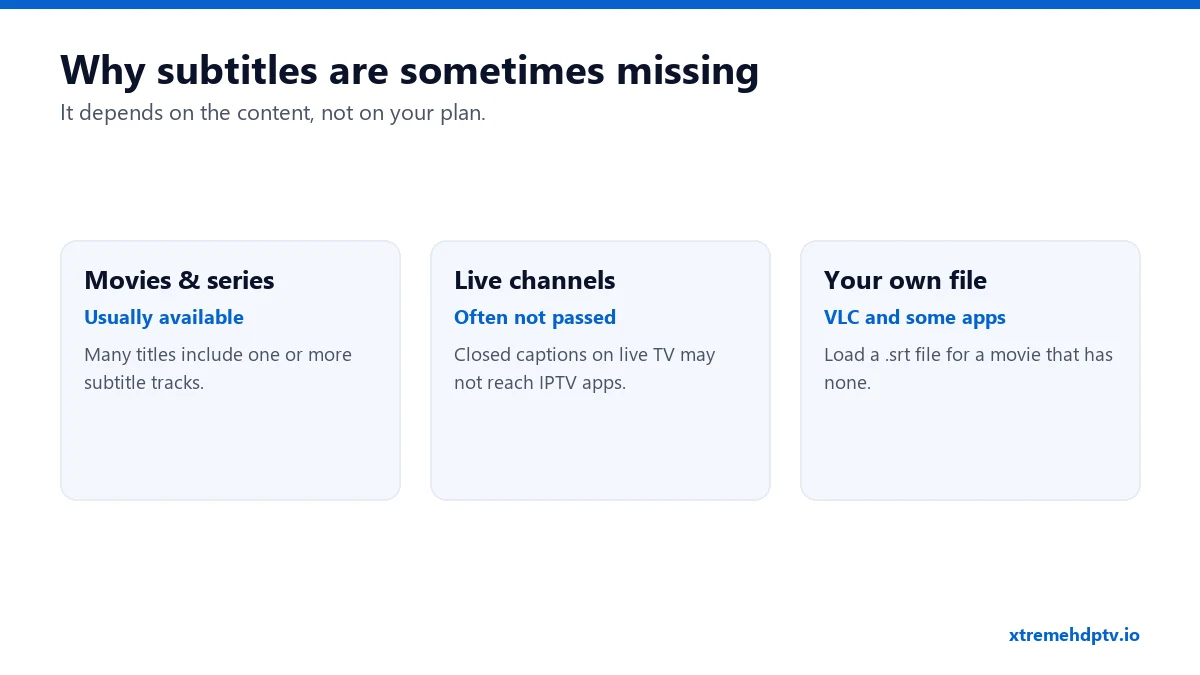
- Movies and series (VOD): many titles come with one or more subtitle tracks built in. This is where subtitles work best.
- Live channels: closed captions from broadcast TV often don’t come through to IPTV apps. Some channels have them, many don’t. That’s normal for IPTV, not a problem with your account.
How to Turn On Subtitles in Each App
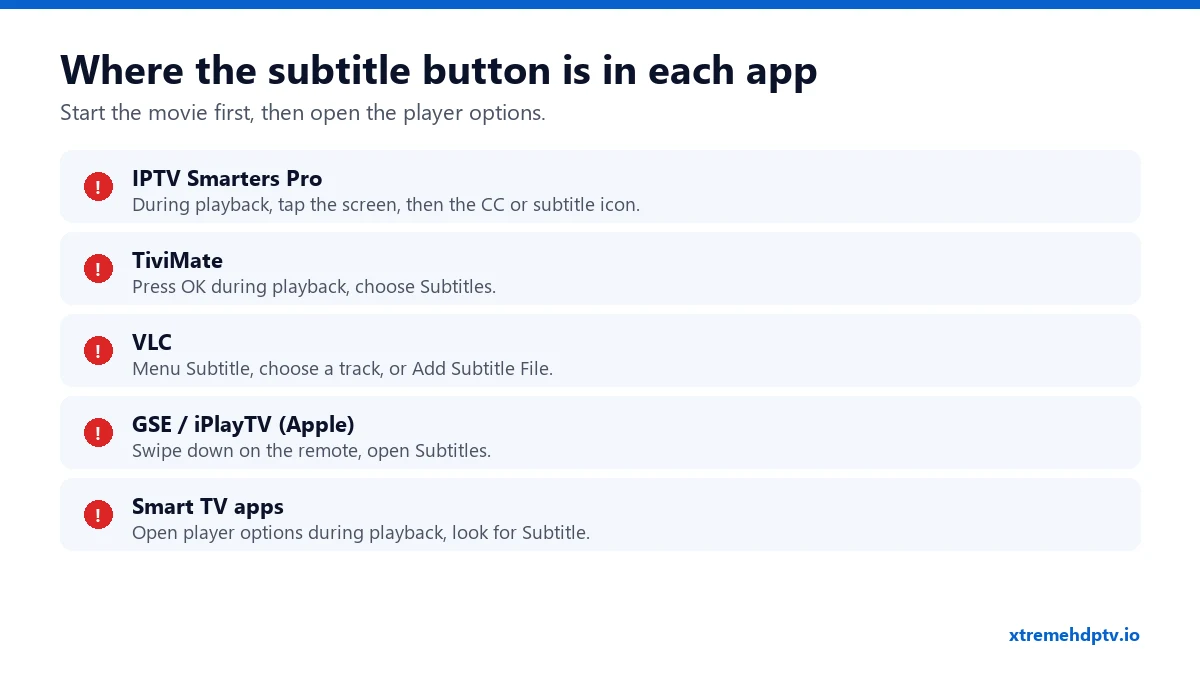
IPTV Smarters Pro (Firestick, Android, iPhone, Windows)
- Start the movie or episode.
- Tap the screen (or press OK on the remote) to show the controls.
- Select the CC or subtitle icon and choose a language.
TiviMate (Firestick, Android TV)
- During playback, press OK.
- Choose Subtitles and pick a track.
TiviMate setup is in our TiviMate guide.
VLC (Windows, Mac)
- While playing, open the Subtitle menu.
- Choose a track under Sub Track.
- No track? Choose Add Subtitle File and load a .srt file you downloaded for that movie.
Apple TV and iPhone players (GSE Smart IPTV, iPlayTV)
On Apple TV, swipe down on the remote’s touch surface during playback and open Subtitles. On iPhone, tap the screen and look for the speech-bubble icon. See our Apple TV guide for player setup.
Samsung and LG TV apps
Open the player options during playback (usually the OK button or the menu button) and look for Subtitle or Audio/Subtitle. The exact name changes from app to app.
Change the Subtitle Size and Style
Subtitles too small from the couch? Most apps have a setting for this:
- TiviMate: Settings › Playback › Subtitles lets you change size and background.
- VLC: Tools › Preferences › Subtitles / OSD.
- Apple TV: Settings › Accessibility › Subtitles and Captioning changes the style for all apps.
Subtitles Out of Sync?
If the words appear too early or too late:
- In VLC, press H or G to move subtitles forward or back in small steps.
- In other apps, look for subtitle delay or sync in the player options.
- Try a different subtitle track for the same language, if there is one.
Audio Language vs Subtitles
Many movies and series also have several audio tracks. If a film starts in the wrong language, open the same menu and switch the audio track before you go looking for subtitles.
FAQ
Why do some movies have no subtitles?
The title was added without subtitle tracks. In VLC you can load your own .srt file. In other apps, try a different version of the same movie if the library has one.
Can I get subtitles on live sports?
Only if the channel passes captions through, which is uncommon for IPTV.
Do subtitles cost extra?
No. Whatever subtitles a title has are part of every plan.
Need help with your IPTV?
Our team is available 24/7 to help you install and use your subscription on any device.
CONTACT US ON WHATSAPP